



Download ShareKaro APK – file sharing, transfer files, share files, fast file transfer, Android app, Indian file sharing app, ShareKaro APK, free file sharing app, WiFi direct, transfer videos, transfer photos, transfer music
Overview
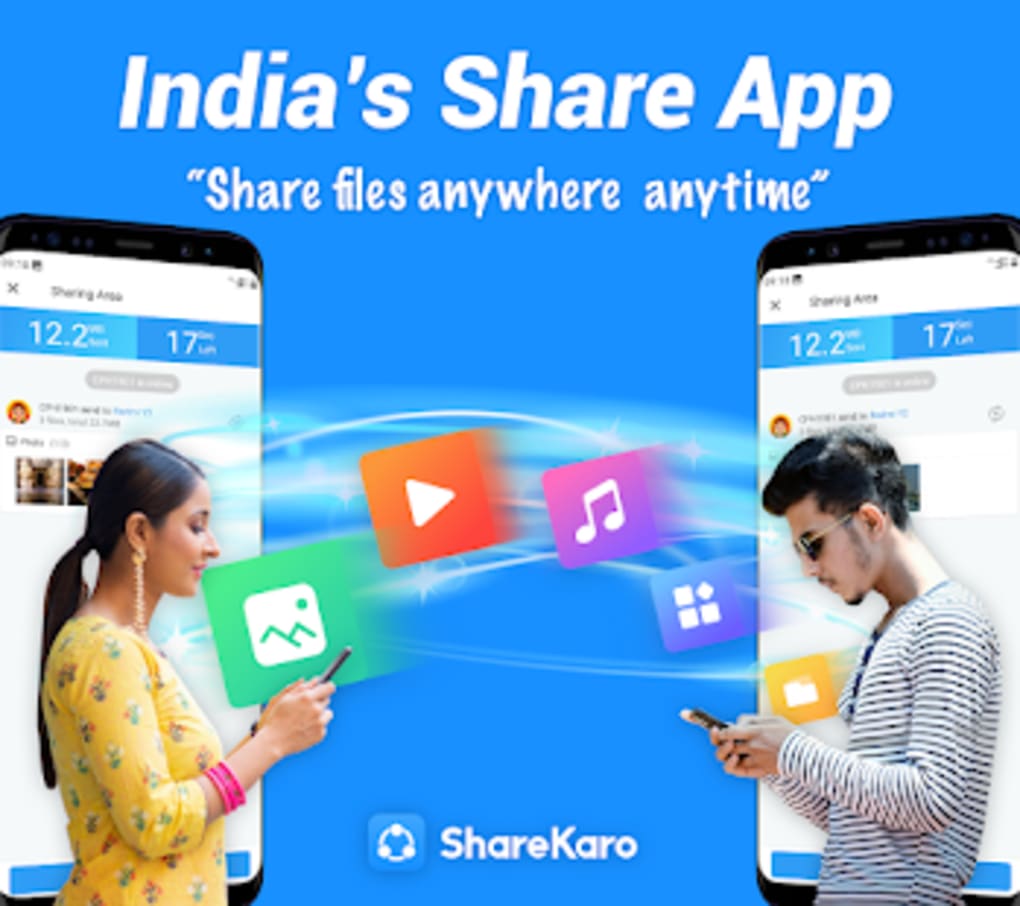
ShareKaro is a free-to-use file sharing application designed for users across the Indian subcontinent. Built as a localized alternative to global file transfer tools, it enables fast and direct data exchange between devices using WiFi Direct technology. The app supports the transfer of various file types, including videos, photos, and music, making it ideal for individuals seeking a quick way to share media without relying on cloud services or internet connectivity.
Its core functionality revolves around peer-to-peer file sharing over a local WLAN network, ensuring rapid transfer speeds without data usage. The developer, ShareKaro Team, has positioned the app as a region-specific solution tailored to the needs of Indian users, offering a familiar interface and experience similar to widely used apps like SHAREit. While it shares visual and functional similarities with its global counterparts, ShareKaro maintains a distinct identity through localized features and targeted service delivery.
It is particularly useful in environments with limited or expensive internet access, such as rural areas or public spaces. The app also includes a built-in file management tool, allowing users to browse, sort, and analyze storage space on their devices. However, the developer did not provide additional details about the app’s underlying architecture or security protocols.
Performance and stability under prolonged use were not specified.
Key Features & Capabilities
- WiFi Direct File Transfer – Enables high-speed file sharing between devices connected to the same local network without requiring an internet connection.
- Support for Large File Transfers – Allows users to send files of any size, though interruptions during transfer may result in data corruption.
- Multi-Format Compatibility – Facilitates the transfer of videos, photos, music, documents, and other common file types.
- Integrated File Manager – Provides tools to view, organize, delete, and sort files directly within the app.
- Storage Analysis Tool – Helps users identify storage-heavy folders and optimize device space.
- Localized User Experience – Designed with Indian users in mind, offering a familiar interface and regional relevance.
These features make ShareKaro a practical tool for users who frequently share media between smartphones, tablets, or laptops. For example, a user can quickly transfer a high-resolution video from a camera phone to a tablet during a family event without uploading it to the cloud. Similarly, students in a shared study group can exchange large project files instantly.
The file management functionality adds value by reducing the need for third-party tools. However, the app does not support cross-network transfers, meaning both devices must be on the same Wi-Fi network. The developer did not specify how the app handles file encryption or data integrity during transfer, nor were there details on error recovery mechanisms beyond the note that interrupted transfers require restarts.
User Interface, Workflow & Performance
The user interface of ShareKaro follows a clean, blue-themed design with a layout that closely resembles popular file sharing apps. Navigation is straightforward, with primary functions accessible from the main screen, including starting a transfer, accessing the file manager, and viewing connected devices. The workflow is designed to be intuitive, allowing users to initiate a transfer with minimal steps.
However, the developer did not specify resource usage details such as CPU or RAM consumption during operation. Performance observations are based on general software behavior patterns, suggesting stable operation under normal conditions. The app does not appear to consume excessive system resources during idle or active use, though this is not confirmed.
Stability during long or repeated transfers was not documented. Users may encounter interruptions if the network connection drops or if the app is closed unexpectedly. The developer did not provide information on background operation, battery impact, or performance optimization.
Overall, the app appears to function as intended for short-term, local file sharing tasks, but long-term reliability and efficiency remain unverified.
Compatibility & System Requirements
ShareKaro is designed for Android devices and is available in version 1.5.0. The installation size is 22.1 MB, indicating a lightweight footprint suitable for devices with limited storage. It is compatible with Android operating systems, though the exact minimum version required was not specified.
The developer did not provide additional system requirements such as RAM, processor type, or storage space beyond the app size. Compatibility information was partially provided, leaving gaps in understanding which Android versions and device types are supported. Users are advised to ensure their device meets basic Android standards for app installation.
No information was provided regarding compatibility with tablets, wearables, or other non-phone Android devices. The app does not support non-Android platforms. For users seeking broader compatibility, alternative solutions may be necessary.
Pros and Cons
Pros
- Free to use with no upfront cost.
- Fast file transfer speeds via WiFi Direct technology.
- Supports large file transfers without size restrictions.
- Includes a built-in file manager and storage analyzer.
- Localized for Indian users with familiar interface and regional relevance.
- Operates without internet connectivity.
Cons
- Frequent advertisements, including full-screen and banner ads.
- Reports of inappropriate content appearing in ad banners.
- Interrupted transfers may corrupt files, requiring restarts.
- Limited to devices on the same local network.
- Missing detailed system requirements and technical specifications.
- Not suitable for public or child-friendly environments due to ad content.
FAQ Section
Is ShareKaro available for iOS devices?
ShareKaro is currently available only for Android devices. The developer did not provide information on iOS compatibility or future plans for cross-platform support.
Can I transfer files between different Wi-Fi networks?
No, the app requires both devices to be connected to the same local WLAN network. It does not support file transfers across separate networks.
Is ShareKaro safe to use?
The app is free and functions as advertised, but users should be cautious due to frequent ads and reports of inappropriate content in ad banners. The developer did not provide details on data encryption or privacy practices.
How often does ShareKaro update?
The latest version available is 1.5.0, released on April 12, 2023. The developer did not specify update frequency or automatic update features.
Can I use ShareKaro offline?
Yes, the app operates without internet connectivity. File transfers occur directly between devices over a local Wi-Fi network.
Final Thoughts
ShareKaro presents a viable option for Indian users seeking a fast, free, and locally optimized file sharing solution. Its reliance on WiFi Direct ensures rapid transfers without data charges, making it ideal for sharing media in offline or low-connectivity environments. The inclusion of a file manager and storage analysis tool adds practical value beyond basic sharing.
However, the app’s frequent and intrusive advertisements, including potentially unsuitable content, pose a significant drawback, especially for younger users or public settings. The lack of cross-network transfer capability and the risk of file corruption during interruptions further limit its utility. Despite these shortcomings, it remains a functional alternative to global apps like SHAREit, particularly for users within the Indian subcontinent who prioritize speed and accessibility.
For those willing to tolerate the ad experience, ShareKaro delivers on its core promise. Download ShareKaro now.





.png)

